
How to Use Pinterest to Create a Vision Board
Your goals have arrived… have you?
We are three months into 2026 so let’s be honest, did you set your goals for this year? No? That’s okay! We all have goals though. “I want to be rich”, goals or “I want my life to look like Brigette Pheloung’s” goals. And sometimes those thoughts live rent-free in our heads…forever.
That’s where a Pinterest vision board comes in.
A Pinterest vision board is one of the easiest ways to turn your goals into something you can actually see and work toward.
We are big believers that if you can see it, you can work towards it. All it takes are those floating ideas and a little Pinterest magic to make it come true. If you are looking to romanticize your life a little more, this guide will walk you through exactly how to use Pinterest to create a vision board that actually works.
The process is simple. Just a plan, few visuals, and of course some fun.
Let’s get into it.
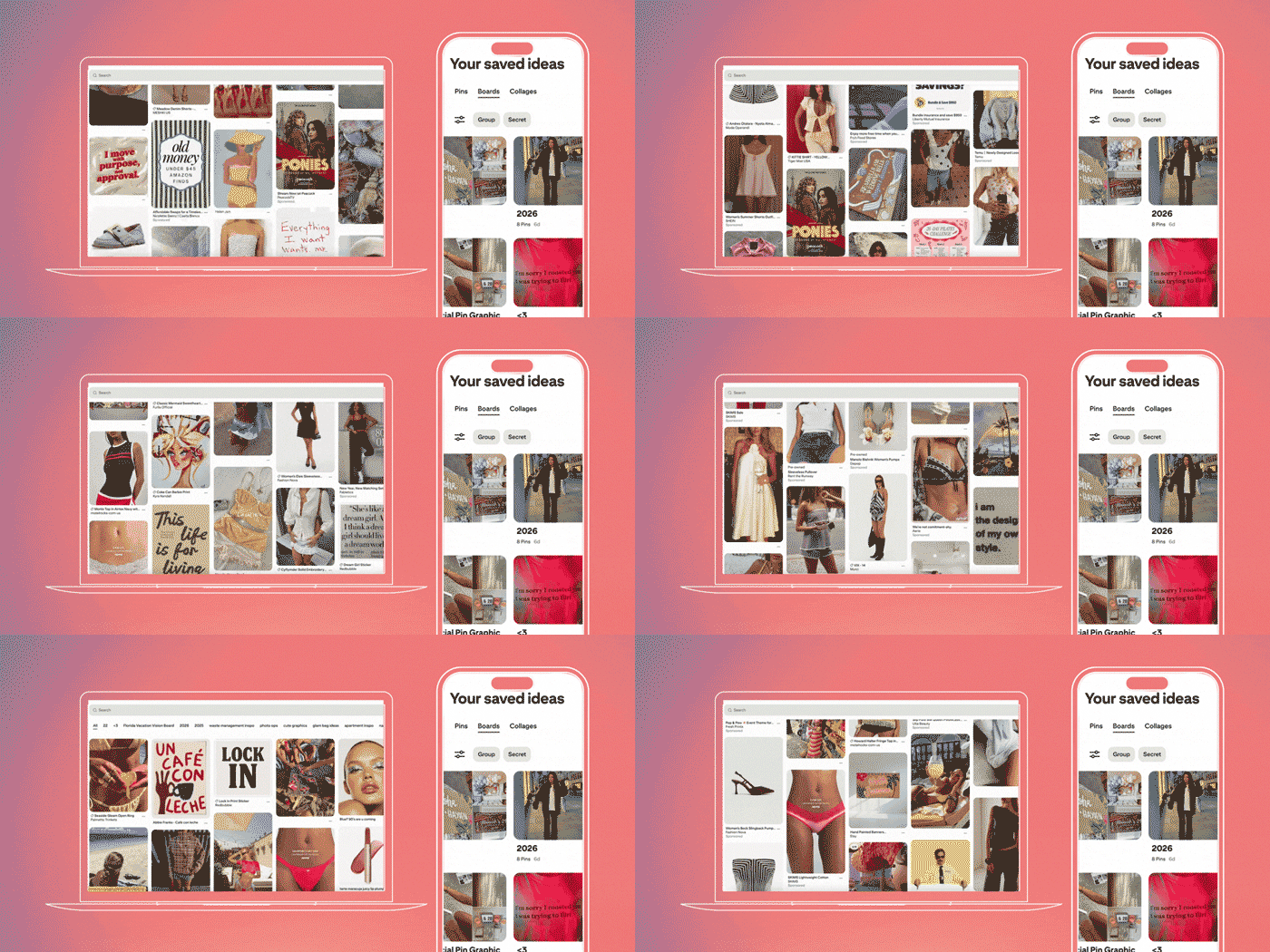
How to Create a Pinterest Vision Board:
- Define your goals
- Create your board on Pinterest
- Search for pins
- Organize and refine your Pinterest vision board
- Use your vision board daily
What Is a Pinterest Vision Board?
If you have been living under a rock for the past decade, you may not know what a vision board is. So let’s do a quick refresher.
A vision board is a collection of images and words that represent a person’s goals, dreams, and intentions. It’s a visual way to map out what you want in your life. Your career, your lifestyle, or your next vacation.
That definition might sound boring, but trust me, as soon as you begin creating one, it becomes your own little masterpiece!
Step 1: Define Your Goals
Before you even touch that app, pause for a second. This step matters the most.
Ask yourself: Why am I making this vision board? What am I making it for?
Your Pinterest vision board can be about literally anything. There are no rules.
Pinterest Vision Board Ideas to Get Started:
💼 Career or business desires
🎨 Brand or aesthetic inspiration
✈️ Travel dreams (yes, even the two-month-long Europe trip)
🧘♀️ Health and wellness goals
🏡 Home design
👗 Fashion and personal style
📱 Content ideas
The world of Pinterest is endless!
The crucial part here is manifestation. Manifestation takes clarity and repetition. And listen, we know how comforting it feels to write the same vague phrase over and over again. But if that line were actually working, you’d already be there. Instead of writing, “I want to be successful,” try something more specific like:
“My brand will become more luxurious.”
“My work outfits will reflect how cool I am.”
“My year will be full of travel.”
The clearer the goal, the better your Pinterest vision board will work for you.
Step 2: Create Your Board on Pinterest
Now it’s time to actually create the board.
Open Pinterest and click Create Board. This is where the magic starts.

When you name your board, be intentional. Your title should clearly match your goal. A clear board name helps your brain connect the dots between what you’re seeing and what you’re working toward.
Check out the board 👀 I am making for my upcoming vacation!
Step 3: Search for Pins
This is where most people struggle the most. The more specific you are with your keywords, the better this works. Some examples:
Green and Orange Office Design
Old Money Golf Outfits for Women
Easy High-Protein Meals for College Students
Amsterdam Trip on a Budget
New York City Aesthetic
The more detailed your search, the more aligned your pins will be with your actual goals and your Pinterest vision board ideas. As you scroll, save anything that feels right. At this point, you’re collecting inspiration.
Step 4: Organize and Refine Your Pinterest Vision Board
Now we clean it up. Cleaning doesn’t sound fun (unless you are a neat freak like us) but we swear this is the best part!
Not every pin you save will work well together, and that’s completely normal. Begin finding common colors and aesthetics to make the board look more cohesive. A visually pleasing Pinterest vision board is way more engaging and motivating.
Pinterest lets you move pins around, so play with the layout. Try to avoid placing photos that look similar next to each other. So no two people side by side, two product shots, or landscape shots.
And this is fully based on your opinion and wants to look good to your eye. When it looks good, you’ll actually want to come back to it.

Step 5: Use Your Vision Board Daily
A Pinterest vision board only works if you actually look at it.
Putting it somewhere you will see every single day, multiple times. There’s nowhere better than the one thing none of us can put down. Our phones.
Add the Pinterest app widget to your phone’s home screen. You can set it to show pins from a specific board. Something I love even more? Printing the vision board from Pinterest, and taping it to your bathroom wall.
That means every time you unlock your phone or when you are getting ready in the morning, you’re seeing your goals. This is meant to inspire you, not stress you out. You are working toward these goals and we can thank Pinterest (and yourself) for displaying it beautifully.
Why Vision Boards Actually Work
One more thing before I let you go… vision boards aren’t magic. You don’t just stare at photos and suddenly wake up on a beach in Italy with six figures in your bank account.
But they do work and science backs that up.
Creating a Pinterest vision board helps you set your goals and intentions. Instead of hypothetical ideas, you’re working with reachable visuals. When you see those visuals daily, you activate something in the brain, and that’s the part of your brain that filters information. It helps you notice possibilities that are aligned with what you’re focused on.
In simple terms:
When you know what you want, your brain starts helping you look for it…
From Dreaming to Doing
At Scott Social, we’ve seen firsthand how vision boards come to life. That’s why Pinterest is our best friend. It’s not just a place for inspiration, it’s a tool to help you become centered while building momentum.
Begin creating the Pinterest vision board of your dreams. And if your business is looking for help bringing a vision to life, for an upcoming campaign or social media content, Scott Social specializes in turning daydreams into clear, strategic visuals that actually perform.
Your future self will thank you.
More ON Pinterest & SOCIAL MEDIA STRATEGY ↓
WRITTEN BY:
Sidney Benvenisti
Social Media Strategist