The Only Apps for Instagram Captions Worth Installing
Apps for Instagram captions. Better text, better engagement. Period.
Remember when Instagram captions were only captions? Like, you’d slap some words under your photo. And then throw in a hashtag or two, and call it a day? Yeah, those days are long gone.
Now, captions mean something completely different. In short, we’re talking about the text that appears on your videos. The subtitles that make your Reels accessible. Because they help people watch without sound.
They also make your content look more professional. And that’s where apps for Instagram captions save the day. But not all caption apps are the same caliber. Some are clunky, some are out of date, and some straight up don’t deliver.
So we did the research. We tested a bunch of apps and narrowed it down to the ones actually worth your time and phone storage. Here’s what we found to be the best apps for Instagram captions.
Why You Need Apps for Instagram Captions in the First Place
Let’s be real. Instagram’s built-in text tools are fine. But if you want your content to stand out in a sea of sameness, you need more than “fine.”
You need captions that are:
Easy-to-read
Perfectly-timed
Styled to match your brand aesthetic
The right caption app can transform your content from basic to chef’s kiss. Plus, most people watch videos without sound. So if you’re not using captions, you’re losing viewers. And in 2025, with attention spans shorter than a TikTok trend cycle, that’s a problem.
Edits: Straight From Instagram
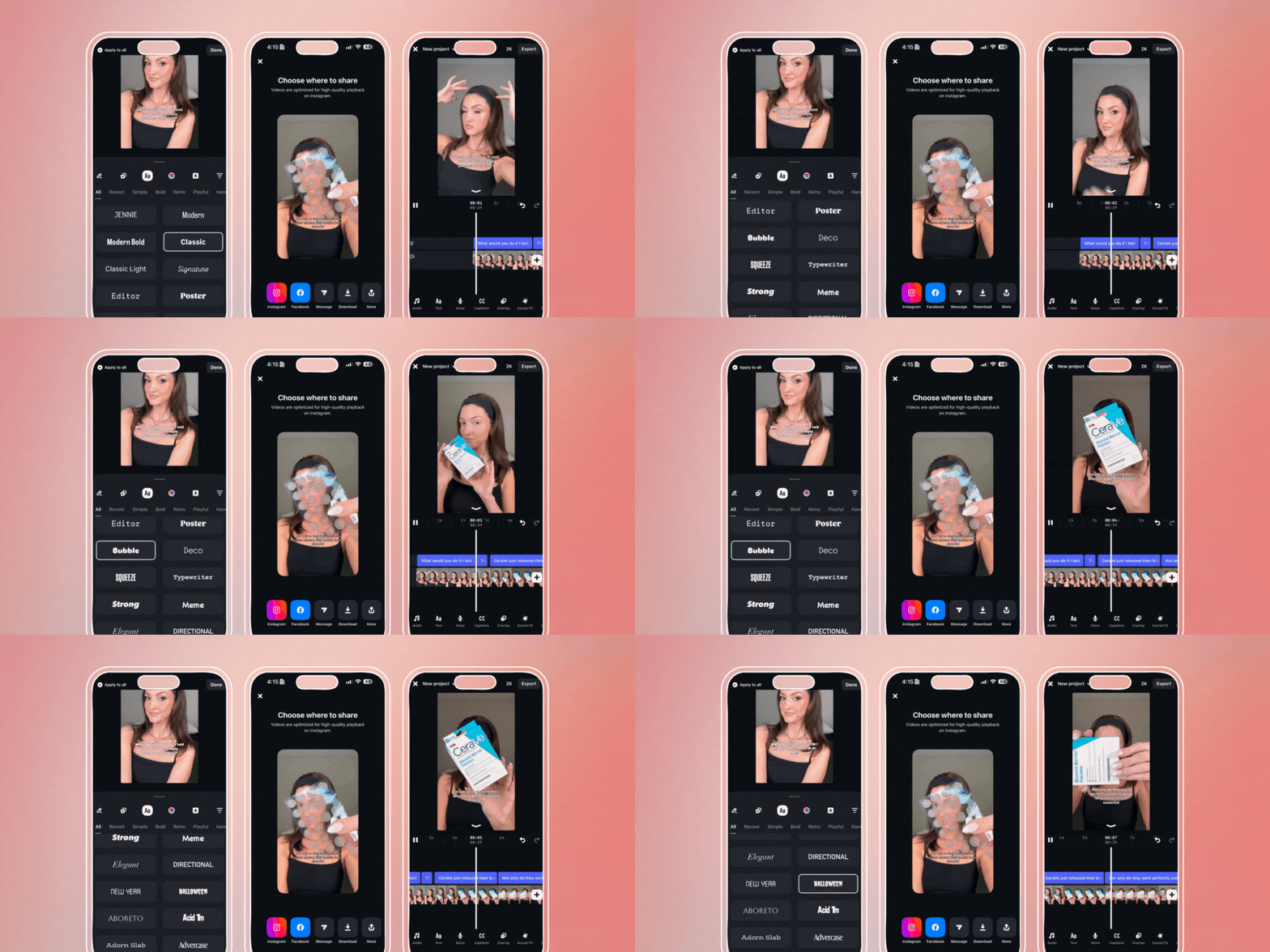
Instagram recently dropped Edits, its own video editing app. And yes, it includes caption features. Since it’s native to Instagram, you can create content that works seamlessly on the platform. All right on the app.
Edits offers auto-generated captions with speech-to-text capabilities. You can also customize the styling to match your brand identity. What makes it interesting is how it integrates with Instagram’s ecosystem. You can edit and put captions on your videos. And then publish directly to Instagram without leaving the app. For creators who are all-in on Instagram, that streamlined workflow is pretty convenient.
Best for:
Instagram-focused creators
Anyone who wants a native solution
Brands looking for seamless publishing
CapCut Pro: The Multitasking Queen
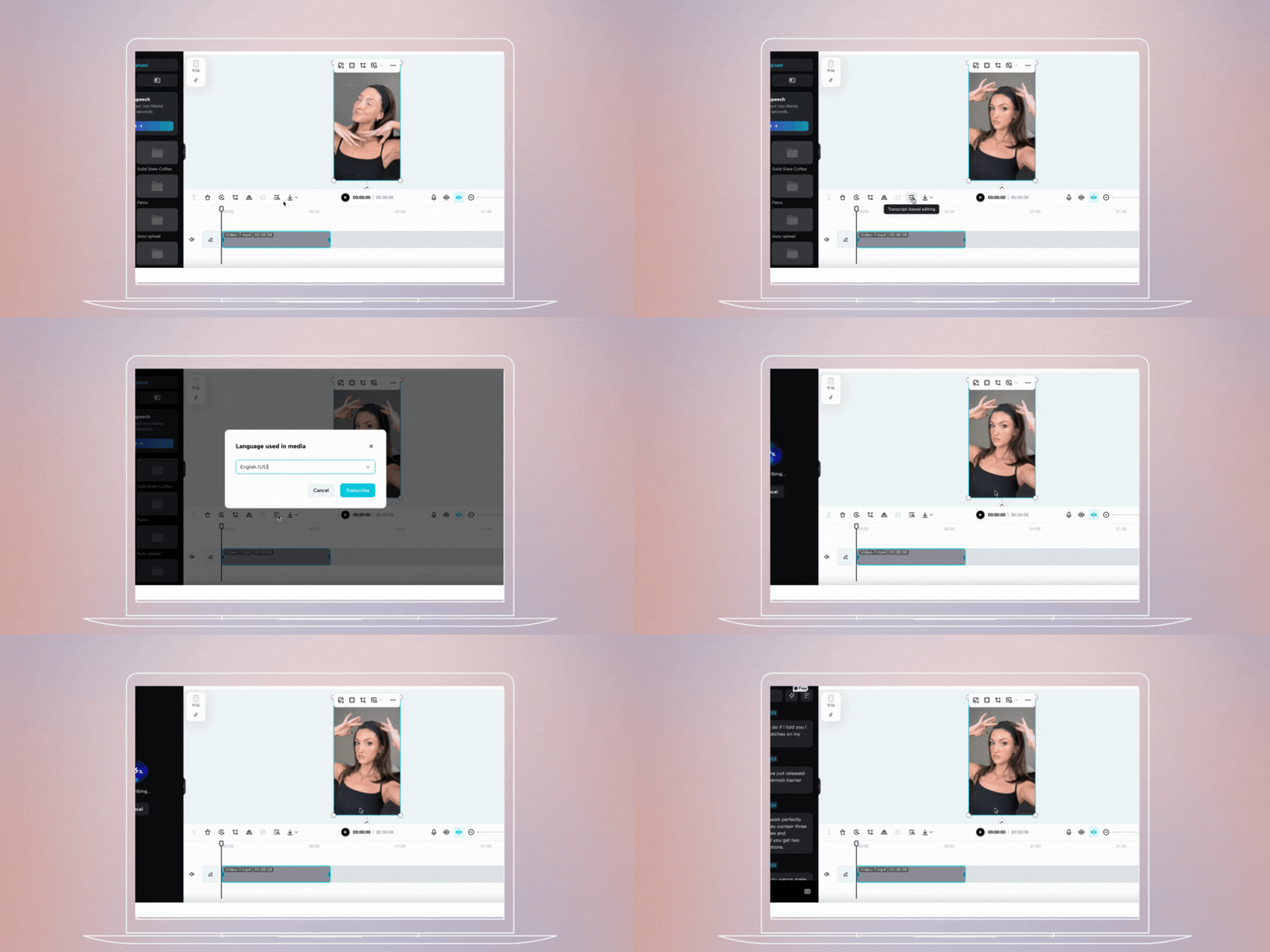
If you’re already using CapCut for video editing, CapCut Pro takes things to another level. It’s one of our go-to apps for Instagram captions. Why? Because of its auto-caption feature and text customization options.
CapCut Pro automatically transcribes your audio and adds synced captions. Then, you can customize the font, color, animation, and timing to match your brand. The accuracy is surprisingly good. And you can also adjust individual words. Or, choose from loads of preset caption styles. Plus, everything’s made for social media dimensions, so your captions won’t get awkwardly cut off.
Best for:
Video captions
Auto-transcription
Creators who want an all-in-one editing solution
Adobe Premiere Pro: When You Mean Business
Adobe Premiere Pro isn’t technically a mobile app. In other words, it’s professional video editing software. But if you’re serious about your content, Premiere Pro is the gold standard for adding captions.
In short, the caption capabilities here are next level. For example, you can auto-generate captions with speech-to-text. And also manually adjust the timing frame by frame. You also get complete control over styling. And you can also export caption files separately. It’s super helpful if you’re repurposing content across platforms. Is it overkill for a simple Instagram Reel? Maybe. But if you’re creating high-quality video content regularly, it’s worth it.
Best for:
Advanced users
Brands with complex video needs
Anyone who wants complete creative control
Tezza: For the Aesthetic Girlies
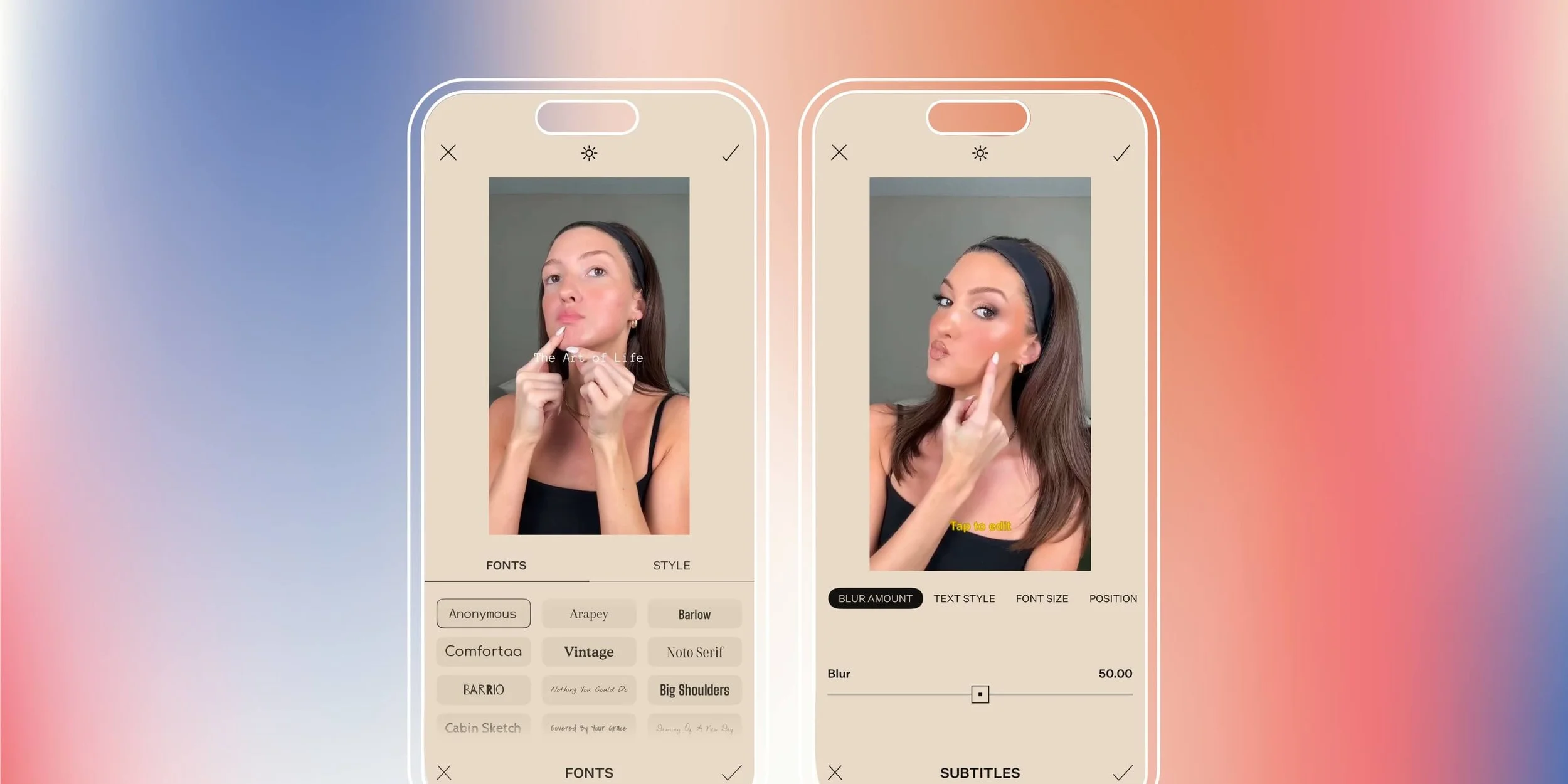
If your brand is all about that curated, editorial vibe, Tezza needs to be on your radar. It’s known for its gorgeous filters and effects. But the caption tools are equally impressive.
Tezza allows you to add text overlays to your videos with beautiful, modern fonts. Ones that feel on-brand and elevated. The color customization makes it easy to ensure your captions are readable. All the while keeping your content and visuals cohesive. What we love about Tezza is how intuitive it is. You don’t need to be a design expert to make your captions look professional.
Best for:
Lifestyle content
Brands with a strong visual identity
Anyone who wants that editorial Instagram aesthetic
Prequel: The Trend-Savvy Option
Prequel has been a favorite in the creator community for a while now, and it’s easy to see why. This app is continuously getting updated with trendy effects and filters. And caption styles that feel current and fresh.
The caption tools in Prequel are fun and experimental. Think animated text, retro fonts, and effects that feel very now. If your brand leans into trends and pop culture moments? Prequel equips you with caption styles that feel native to what’s trending on social. You can easily add captions to your videos and customize the look. You can also play around with different animation options. Until you find something that works.
Best for:
Gen Z audiences
Trend-focused brands
Creators who like to experiment with different styles
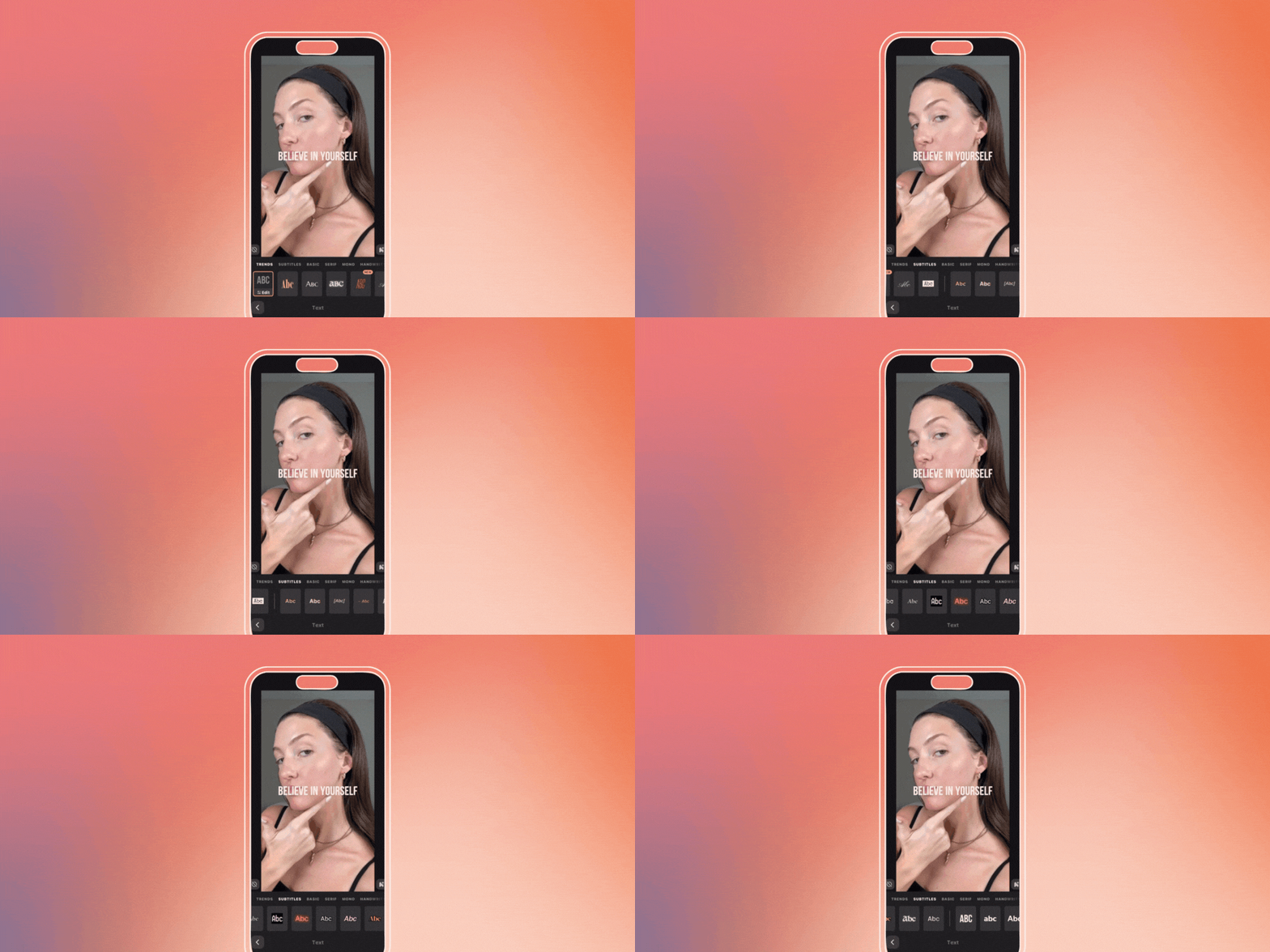
CapCut (Free Version): Don’t Sleep on It
So, before you shell out money for CapCut Pro, here’s something to know. The free version of CapCut is already powerful for adding captions. The auto-caption feature works great. You also get access to plenty of customization options without paying a dime.
The free version has some limitations. For instance, there are fewer font options and occasional watermarks. But for most creators, it’s more than enough. So, if you’re just getting started with captions or working with a tight budget? Regular CapCut is a solid choice.
Best for:
Beginners
Budget-conscious creators
Anyone testing out caption apps before committing
How To Choose the Right App for Your Brand
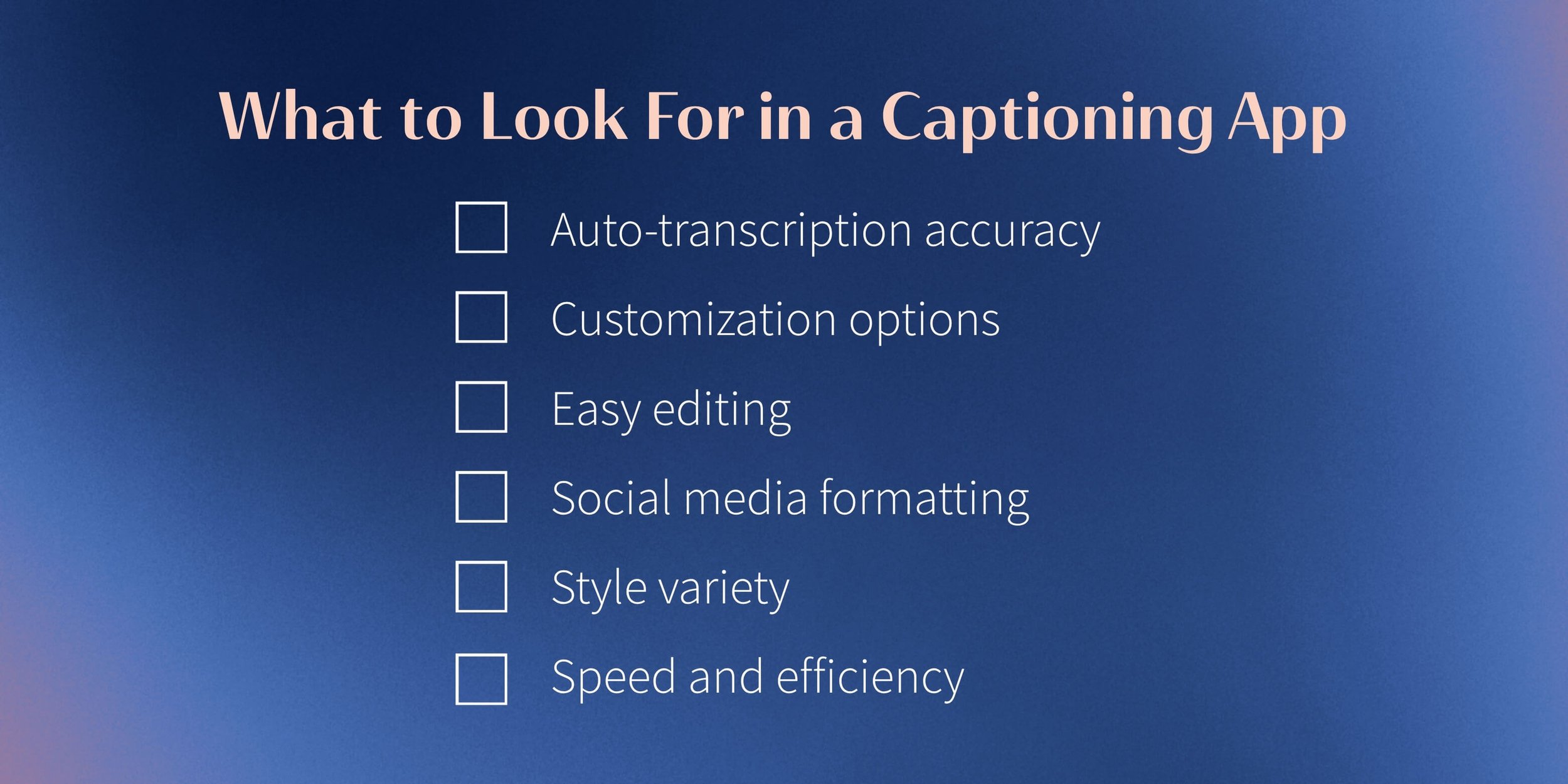
There’s no one best app for Instagram captions. It really depends on your content type and editing workflow. And also, how much control you want over styling.
Creating lots of talking-head content? An app with auto-transcription, like CapCut or Edits, will save you hours. Want complete creative control over every detail? Adobe Premiere Pro is worth the learning curve. Need something quick and easy? The free version of CapCut will do the trick.
Our advice? Download a few of these apps and test them out. Most have free versions or trials. So then you can see which one fits your workflow best.
The Caption Strategy That Actually Matters
Real talk. Having the right apps for Instagram captions is only part of the equation. You also need a caption strategy that makes your content more accessible. And also, more engaging.
That means thinking about readability. Are your captions easy to read on a small screen? Are they timed right so people can actually follow along? Do they reflect your brand aesthetic? Without sacrificing clarity?
At Scott Social, we obsess over these details. In other words, we don’t just slap captions on videos. We make sure they’re styled beautifully and timed perfectly. And also truly enhance the viewing experience.
Leave the Captions to Us
So, if you’re reading this and thinking, “Okay, cool, but I still don’t have time to figure out which app to use. Let alone edit captions for every single video.” We get it. That’s literally why we exist.
At Scott Social, we handle everything from content creation to community management. Including video editing with perfectly styled captions that match your brand. We’re talking monthly strategy sessions and custom video editing. And copywriting that sounds like you. And also analytics reporting, so you know what’s working.
Ready to hand off the reins and let us do our thing? Let’s chat.
Next: Get Post Inspo Here ↓




WRITTEN BY:
Halie Engler
Social Media Strategist + Copywriter