
Steal Our Favorite Content Creation Templates
Content Creation Templates: Please, we beg!

Long gone are the days of chaotic DIY graphics. Or at least we hope they are. Creating clean, scroll-stopping content is easier than ever. Especially with accessible tools like Canva and CapCut.
In short, we don’t gatekeep around here. Right now, we’re spilling the details on our favorite content creation templates. So you can make polished posts without stress.
Are you a small business owner juggling everything? If so, we get it. Hiring a video editor or graphic designer isn’t always realistic. Meanwhile, that’s pretty much where content creation templates come in.
For example, they help you:
Stay consistent
Speed up your workflow
Keep your posts polished
All without needing any design experience.

Content Creation Templates for Social Media You Will Love
Why We Love Content Creation Templates
Great content doesn’t have to take hours and hours. When you start with strong content creation templates? You design faster, stay on-brand, and produce more polished visuals.
In short, templates make your workflow feel lighter. And they remove the friction of actually creating the content you need to create!
For instance, templates work because they:
Speed up editing time
Help your brand stay consistent
Make social posts look professional
Remove the fear of “Where do I even start?”
Let you customize instead of creating from scratch
We don’t rely on templates for everything. But they’re oh so helpful when you need great content fast. Or for things you post all the time, like stories!
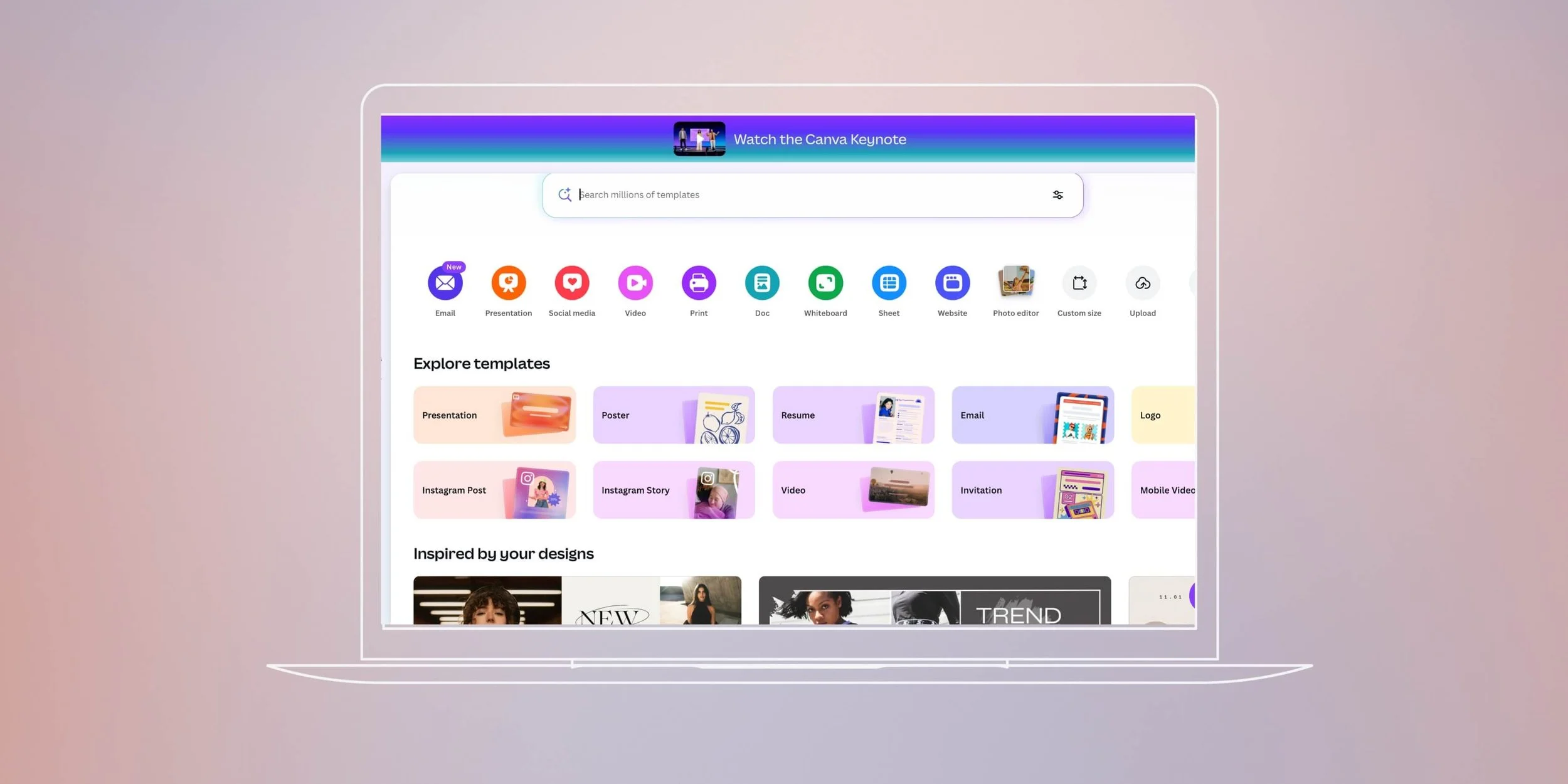
Canva: The MVP for Quick, Clean Design Templates
If you want to upgrade your social graphics but can’t hire a designer, Canva is your best friend. Their library of content creation templates includes almost anything you need. And customizing them feels intuitive.
Now, before anyone comes at us, we know. Graphic designers and Canva are NOT the same thing!
1. Static Photo Templates
Canva offers thousands of clean, modern photo layouts that elevate your everyday images. These templates help you add bold headlines, aesthetic color overlays, or branded frames. All within a few clicks.
2. Carousel Templates
Carousels perform well because they encourage swiping, which increases engagement.
For example, Canva’s carousel templates make it easy to structure:
Educational posts
Step-by-step guides
Storytelling graphics
You can also add your brand colors and fonts to make yours extra cohesive!

3. Reel Templates
Yes, Canva also has video templates. These templates work great for simple animated videos, short promos, and text-based Reels.
For instance, you can:
Update text
Swap in your own clips
Adjust timing without needing advanced editing skills
Above all, Canva is a solid base for small businesses that want professional-looking content fast. Without feeling overwhelmed by design decisions.
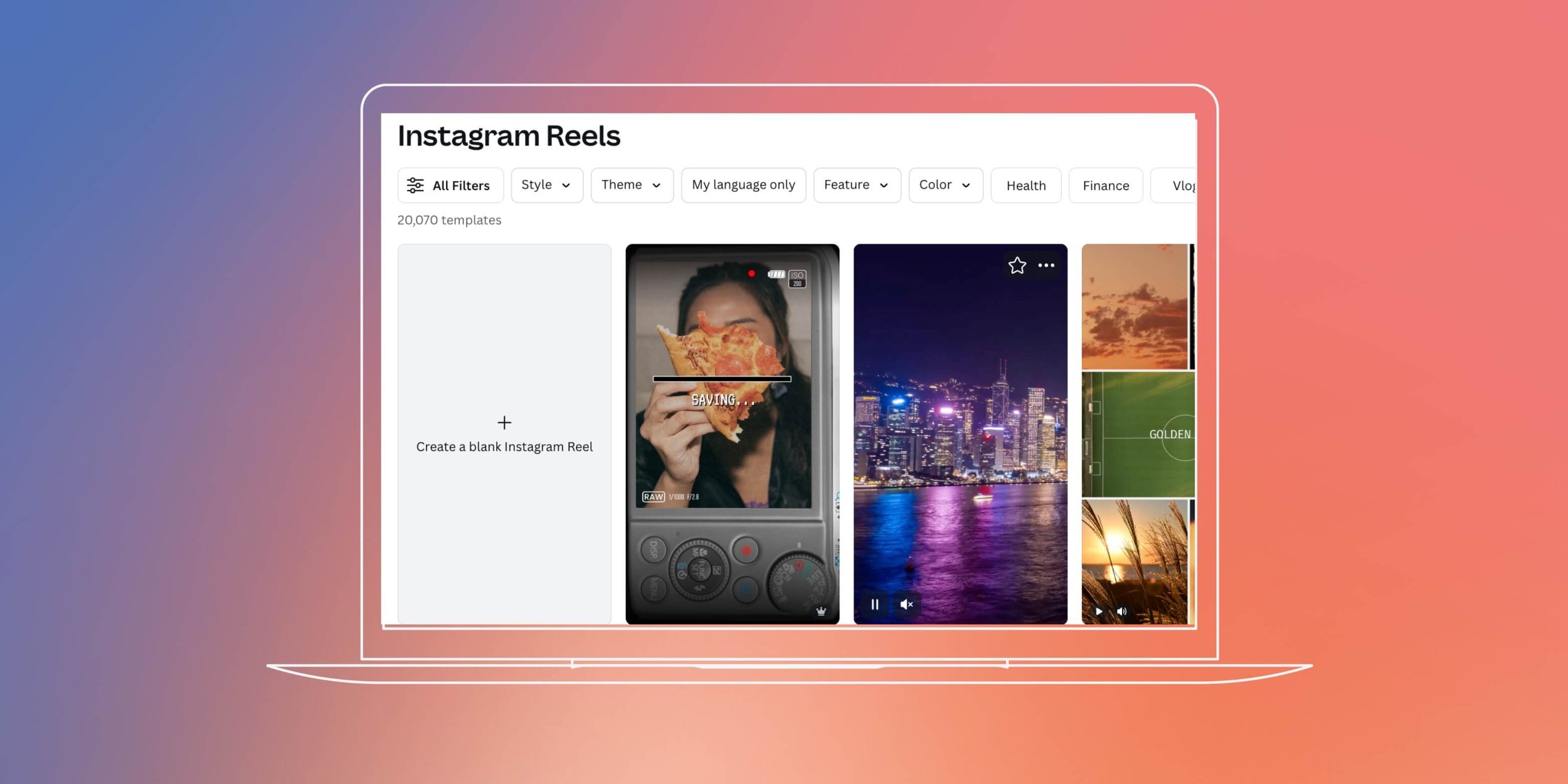
CapCut: The Easiest Way To Make Polished Video Content
CapCut is our go-to for fast and high-quality video edits. In other words, if Reels feel intimidating, this app will change your life. Not to be dramatic. In short, CapCut offers hundreds of video templates. And each one gives your content an instant “professionally edited” look.
Just drop in your clips, adjust text or colors, and you’re all done.
For example, these templates help you:
Create aesthetic day-in-the-life videos
Build storytelling Reels
Add transitions that look way more advanced than they are
Match popular editing styles seen on TikTok and Instagram
CapCut excels at fast editing without sacrificing quality. So, if you feel stuck or overwhelmed? Starting with a template gives your content direction and structure.

When To Use Content Creation Templates (and When Not To)
For instance, templates work best when you need:
Quick turnarounds
Consistent branding across multiple posts
Clean visuals without an entire creative team
Simple educational graphics or text-based videos
Meanwhile, we don’t rely on them for everything. Especially high-level client work or highly conceptual campaigns.
But for a quick social post or stories? Templates save time and keep your content looking polished!

Now Go Explore Content Creation Templates!
Creating great content shouldn’t feel overwhelming.
For example, with the right content creation templates, you can:
Stay on-brand
Post consistently
Keep your visuals clean without spending hours editing
Canva and CapCut make that possible, even if you’re a team of one!
We hope you steal our favorite templates, use them, and become more consistent online.
Want more templates, editing tips, or social strategies? Join our email list below so that you never miss the resources we share.
Find More Content Ideas Here ↓



WRITTEN BY:
Annie Godin
Social Media Strategist
